
A Personalized Song for Dad
Turn a shared routine or quiet lesson into a personalized song for Dad. Hear Arthur’s example and learn how to make a song from your own story.
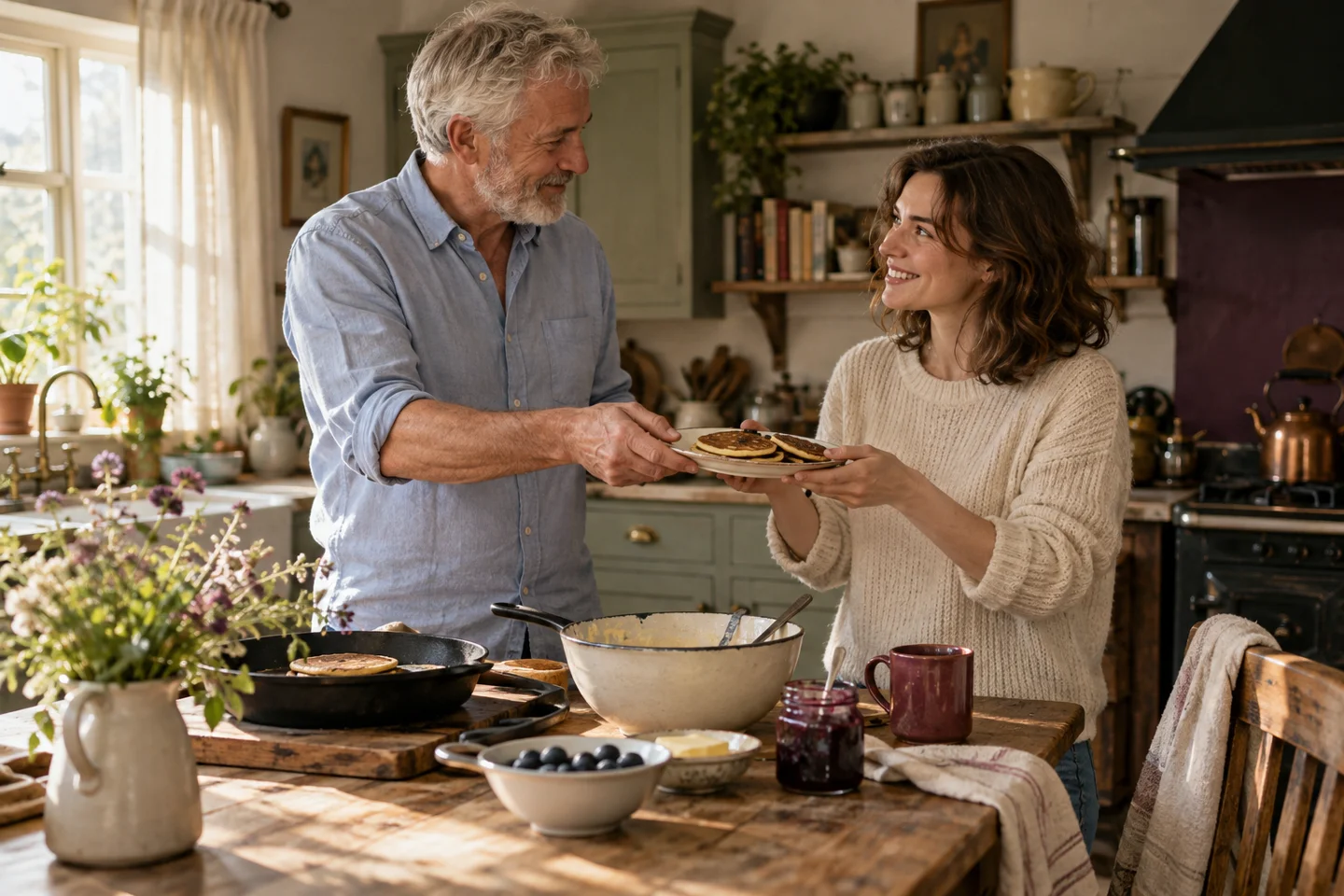
Historia ficticia · Canción original creada con IA
Till I Could Go
Arthur is my dad. On Sundays he gave us the golden pancakes and kept the burnt first one. He ran beside my blue bicycle until I could ride on my own. We still talk every Sunday. I want him to know that the freedom I have now began with the steady care he gave me.
En esta guía
Put a quiet thank-you into words
A personalized song for Dad can hold a lesson, a routine or something he did that you understand differently now. It can be a birthday gift or a thank-you on an ordinary day. His name helps, but the remembered action is what makes the story his.
In Arthur’s fictional example, the bicycle becomes a way to talk about independence and trust. The pancakes and Sunday phone calls keep the story grounded in everyday care. Listen to the full example, then think about the moments that belong to you and your father.
Start with something he did
Picture a clear action, an object you remember and what you want to say about it. Perhaps he repaired a bike, packed the car before everyone woke up or waited after a difficult exam. Tell the scene in ordinary words before explaining why it stayed with you.
A chorus can carry one thought, such as being grateful that he stayed beside you while you learned. You do not have to fit your whole relationship into one song or make a grand declaration. Keep the words true to your experience.
Let the music fit him
If he likes a guitar-led sound, begin there. If he enjoys a relaxed groove, let the song be easygoing. Choose a voice and mood that suit the person receiving it, then listen to the preview for names, pronunciation and pace.
For the handover, a gift link in a message works well. You can also put a QR code in a birthday card and add a short note saying why you made the song. Give him space to listen in his own way.
How to make your song
- Tell the story. Choose who the song is for, add their name and share a few memories in your own words. You do not need to sing or write finished lyrics.
- Read it, then hear it. Create and edit the lyrics for free. When they feel right, use 10 credits to make the music and hear a 60-second preview. Check names, pronunciation and the mood before choosing a recording.
- Make it a gift. Unlock the version you choose, add photos and a personal note, then send the gift link or put its QR code in a card. Keep some time for review; generation times and results can vary.
What the full song unlock includes
A $29.90 one-time purchase unlocks one selected full song version: full playback, that version’s MP3 download and a shareable gift page. The recipient can open the gift without an account.
Each music generation uses 10 credits. Credit packs are sold separately: they add credits to your account and do not unlock a full recording. A song unlock does not add credits or include other candidate versions.
A few questions before you start
Is the whole song free?
Lyrics can be created and edited for free. Music generation uses 10 credits and includes a 60-second preview. Full playback, the MP3 and the gift page require the selected song’s paid unlock.
Can I change the words?
Yes, review and edit the lyrics before generating music. Listen to the preview before paying to unlock a version. Read the refund policy for the terms that apply to purchases.
Do I need to sing or record anything?
No. Your story provides the details; AI creates the lyrics and music. Choose a style and voice that suit the person receiving the gift.
More ways to make it personal
For his birthday, use the birthday song guide. To make a separate gift for your mother, explore the personalized song for Mom.